From window cling to first shift in days, not weeks.
 AI Assistant at the core
QR codes on your 'Now Hiring' signs feed applications directly into an applicant tracking pipeline. Move candidates from applied to hired without leaving DohOps — then onboard them with a structured training library that tracks completion across every location.
What's inside Hiring & Onboarding
Recruiting, applicant tracking, and new-hire training — one platform, every location.
QR code recruitment
Print a QR code on any physical surface — window, counter, drive-through menu board. Candidates scan it, complete the application on their phone in under two minutes, and hit submit. The application lands in your hiring dashboard before they've left the parking lot. For foot-traffic businesses, this is the fastest way from interested to in your pipeline.
Job posting management
Create job postings with position title, hourly rate range, full-time/part-time classification, and location assignment. Each posting generates a unique QR code and a shareable link for digital platforms. Track active postings and total applications per posting from the hiring dashboard KPIs.
Applicant tracking pipeline
Move candidates through Applied, Pending Review, Interviewed, and Hired with one-click stage changes. See real-time counts for each stage across all locations. No candidate falls through the cracks because the pipeline shows exactly where every application stands at every moment.
Training content library
Upload documents, videos, images, or web links into a structured content library. Combine materials into Courses with defined learning paths — brand standards, food safety, opening procedures, emergency protocols. Assign courses to new hires automatically or manually per employee.
Training assignment & completion tracking
Assign training courses to specific employees, positions, or all new hires at a location. Track completion rate, assignment count, and published course count in real time. The training reports show who finished, who's overdue, and what percentage of the team has completed compliance-required materials.
Hiring dashboard KPIs
Active postings, total applications, pending review, interviewed, hired, and locations covered — all visible as live KPIs on the hiring dashboard. At a glance, know whether your store is fully staffed, how many candidates are in the pipeline, and which location has the most urgent open positions.
Built for multi-unit reality
Hiring in multi-unit operations isn't one job posting. It's a continuous pipeline across five stores that all need the same three positions filled on a rolling basis.
One dashboard, all locations
The hiring KPI view shows totals across every location you manage — 2 active postings, 28 total applications, 21 pending review, 3 interviewed. Filter to a single store or see the full portfolio at once. No toggling between store logins.
Franchise brand standard training
7-Eleven, Marriott, Wyndham, Choice — every franchise brand has required training standards that operators are responsible for delivering and documenting. The DohOps training library stores those materials and tracks completion per employee, per location, with an exportable compliance report.
Speed matters in hourly hiring
The average hourly candidate applies to 4–6 jobs simultaneously. The first employer to respond wins. QR code applications eliminate the friction of finding a website — the candidate applies while standing in front of your 'Now Hiring' sign. Instant pipeline entry means instant follow-up opportunity.
Compliance documentation
Training completion records stored in DohOps serve as documentation for DOL audits, franchise inspections, and workers' comp reviews. Export a per-employee training history with completion dates and course names — in the format most audit requests require — in under a minute.
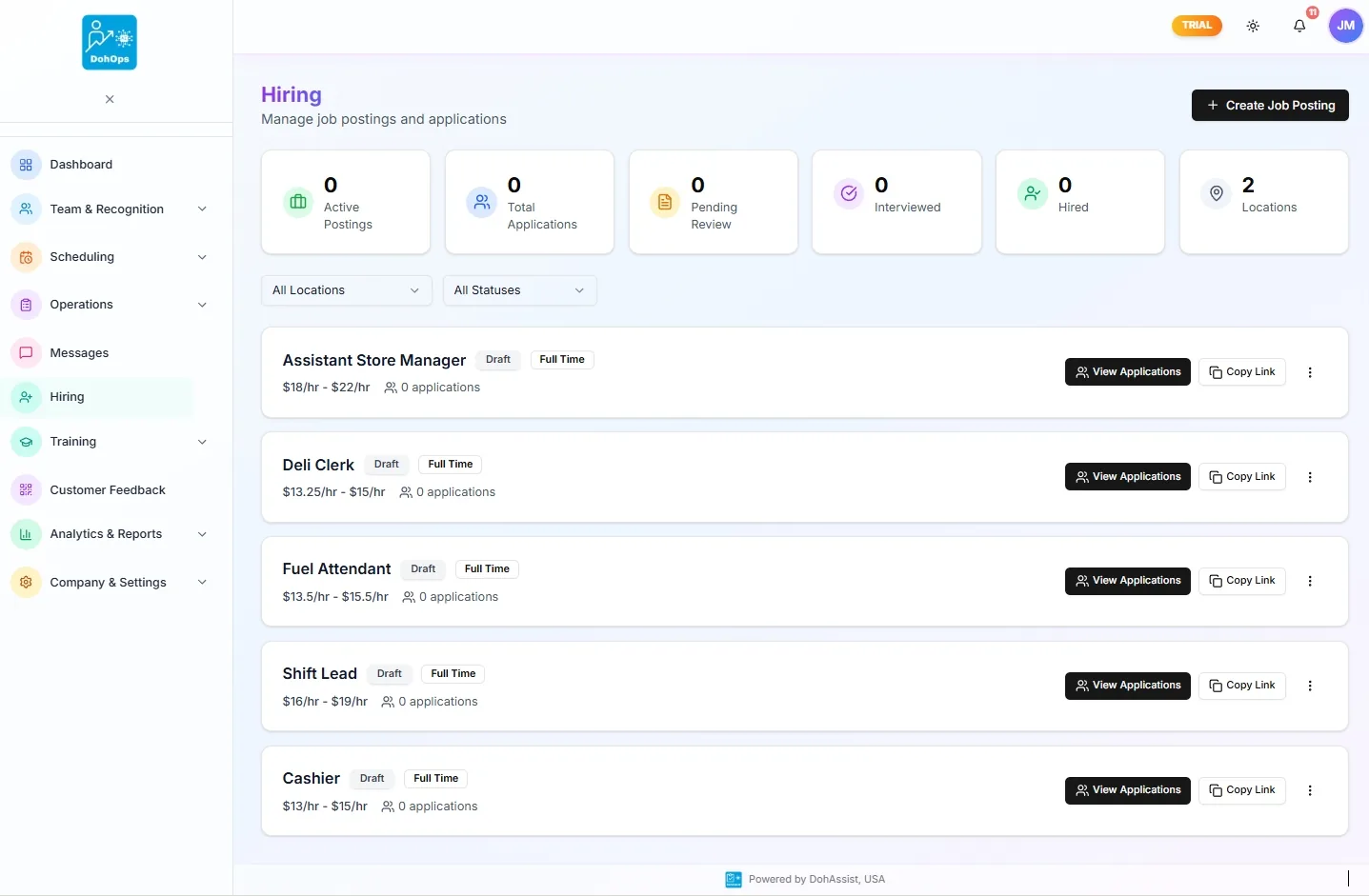
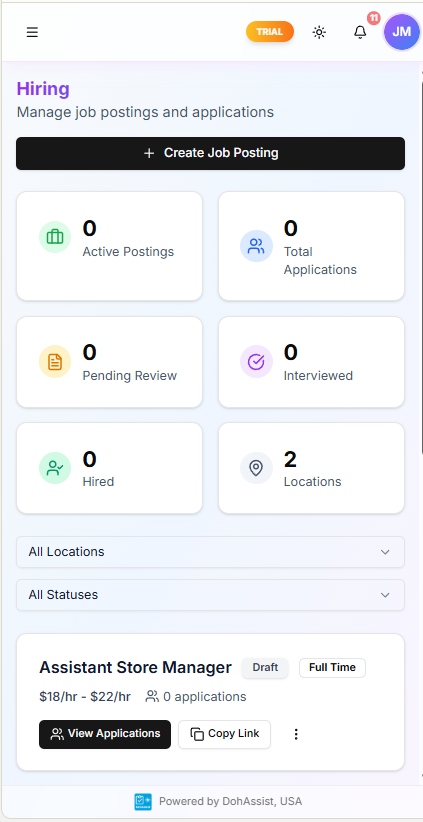
HIRING PORTAL — Manage postings from desktop or mobile, across every location
What changes in week one
Day 1. You create job postings for Store Clerk positions at three locations. Each posting generates a QR code. You print window clings for all three stores. By end of day, the first four applications have come in — two from candidates who scanned the QR at the store, one from a shared link, one from a referral.
Day 3. You have 14 applications across three stores. The hiring dashboard shows 11 in Pending Review, 3 you've moved to Interviewed. You schedule interviews directly through the platform. The store manager at Location 2 reviews their local applicants without seeing the other stores' candidate data — role-based access keeps things clean.
Day 7. You hire two candidates. They're added to the employee roster and automatically assigned the new-hire training course you built in the Content Library — brand standards, food safety, opening procedures. The training module tracks their completion in real time. By end of week, both new hires are scheduled for their first shifts.
Day 30. Both employees are fully onboarded. Their training completion records are in the system. You've filled three positions in 30 days that used to take 45–60 days using paper applications and phone-tag interview scheduling. The QR code sign is still up — applications trickle in continuously, building a passive pipeline for the next opening.
Hiring & Onboarding — FAQ
Fill your next open shift before it's a crisis.
30-day free trial, no credit card. Create your first job posting and generate a QR code for your store window in under 10 minutes — or book a walkthrough to see the full hiring pipeline live.